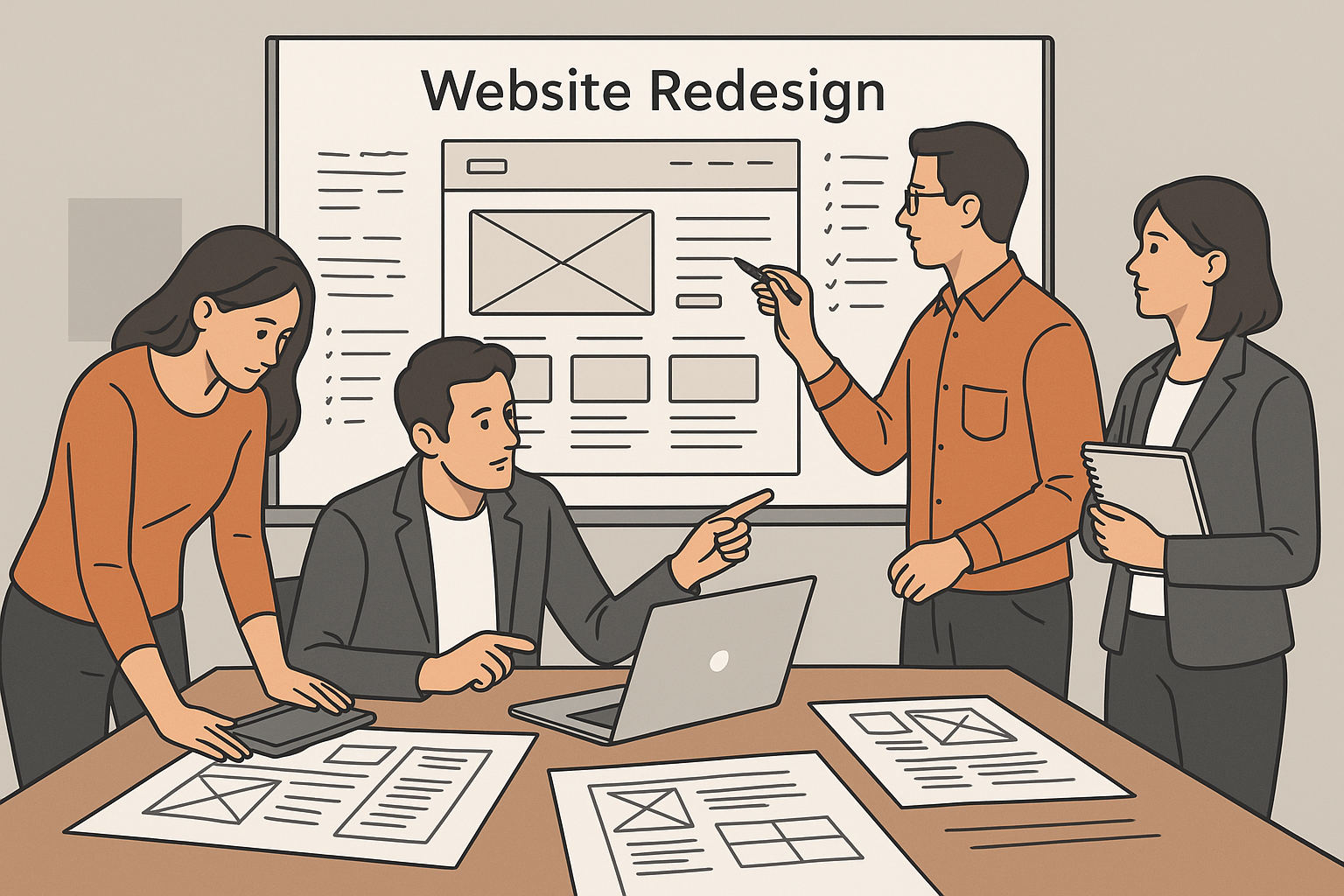
Introduction: Why a Website Redesign Is More Than Just a Fresh Look
Redesigning your website isn’t just about colors, fonts, or new images it’s about performance, user experience, and conversions. In 2025, your website is your digital storefront, and users decide within seconds whether to stay or bounce.
Yet, many redesigns fail because they ignore what already works. Businesses lose SEO rankings, broken links pile up, and conversion rates plummet. To avoid these pitfalls, this website redesign checklist will guide you through the 10 essential steps to ensure your new site not only looks great but performs even better.
Understanding the Importance of Strategic Redesign in 2025
How a Redesign Impacts SEO, Conversions, and Branding
A website redesign influences every aspect of your online presence:
- SEO: URL structures, metadata, and page hierarchy affect visibility.
- Conversions: A confusing layout or slow load time can hurt leads.
- Branding: A modern, consistent design strengthens credibility.
A successful redesign balances all three enhancing aesthetics without sacrificing function or search performance.
1. Conduct a Complete Website Audit Before Redesigning
Before changing a single pixel, evaluate your current site’s performance and pain points.
Evaluating Performance Metrics and Pain Points
- Identify top-performing pages in Google Analytics.
- Check backlinks and keyword rankings in Ahrefs or SEMrush.
- Record conversion paths and bounce rates.
- Gather user feedback and heatmap data from Hotjar or Crazy Egg.
Your audit reveals what to keep, fix, or remove ensuring your redesign enhances, not hinders, success.
2. Define Clear Goals and KPIs for the New Design
Redesigns often fail when there’s no clear purpose.
Aligning Redesign Goals With Business Objectives
Ask:
- Are we improving conversions?
- Do we need faster load times?
- Is the goal better mobile usability or visual branding?
Set measurable KPIs (e.g., reduce bounce rate by 20%, increase leads by 30%) to guide design decisions and measure ROI after launch.
3. Keep Your SEO Foundations Intact
SEO is the lifeblood of your site traffic. A redesign can easily disrupt it.
Preserving URLs, Redirects, and Metadata During Redesign
- Maintain existing URL structure whenever possible.
- Implement 301 redirects for deleted or moved pages.
- Preserve title tags, meta descriptions, and image alt text.
- Submit an updated XML sitemap to Google Search Console post-launch.
This ensures your rankings remain stable during transition.
4. Prioritize Mobile-First and Responsive Design
More than 70% of web traffic now comes from mobile.
Why Mobile Experience Is the Core of 2025 UX
- Design for thumb-friendly navigation.
- Ensure buttons and forms are easily clickable.
- Use fluid grids and responsive typography.
- Test on multiple devices (iPhone, Android, tablets).
A seamless mobile experience isn’t optional it’s a ranking factor and a user expectation.
5. Improve Site Speed and Core Web Vitals
Fast-loading sites convert visitors faster.
Tools to Optimize Loading, Interactivity, and Stability
- Compress images with TinyPNG or Squoosh.
- Use lazy loading for videos and images.
- Minify CSS, JavaScript, and HTML.
- Choose a lightweight CMS and reliable hosting provider.
6. Streamline Navigation and User Flow
Cluttered menus and confusing layouts drive visitors away faster than slow load times.
Your redesigned website should make it effortless for users to find what they need.
Simplifying UX for Better Engagement and Conversions
- Use clear, concise navigation labels (“Services,” “Pricing,” “Contact”).
- Limit main menu items to 5–7 options.
- Add internal links to guide users through related pages.
- Include search functionality for content-heavy sites.
A simplified structure reduces friction, improves engagement, and naturally boosts conversion rates.
7. Focus on Accessibility and Inclusive Design
An accessible website isn’t just a best practice it’s a legal and ethical necessity.
Accessibility ensures everyone, including users with disabilities, can use your website effectively.
ADA Compliance and Accessibility Best Practices
- Use alt text for all images and graphics.
- Maintain proper color contrast ratios for readability.
- Enable keyboard navigation for menus and forms.
- Provide ARIA labels for assistive technologies.
Accessibility not only expands your audience reach but also improves SEO Google favors accessible, user-friendly sites.
8. Update Your Visual Identity and Content Tone
A website redesign is the perfect opportunity to refresh your brand voice and aesthetics.
Maintaining Brand Consistency Across All Pages
- Update your logo, color palette, and typography consistently.
- Use a visual hierarchy that emphasizes key content.
- Refresh copy to match your current brand tone (e.g., friendly, corporate, modern).
- Incorporate high-quality visuals that reinforce your brand story.
Consistent visuals and tone help build recognition and trust across every touchpoint.
9. Test Before You Launch: QA and UAT Essentials
Never launch a redesign without thorough testing.
Testing ensures your new site is not only beautiful but functional and error-free.
Tools for Testing Speed, Responsiveness, and Functionality
- BrowserStack: Test across browsers and devices.
- GTmetrix / PageSpeed Insights: Analyze speed and performance.
- Hotjar: Review user session recordings to catch UX issues.
- W3C Validator: Ensure your code is clean and accessible.
Perform UAT (User Acceptance Testing) with real users before going live. A fresh perspective often catches issues your team might miss.
10. Monitor Post-Launch Performance and Iterate
Your work doesn’t end at launch day it’s just beginning.
Tracking Analytics and Making Continuous Improvements
- Monitor metrics via Google Analytics 4 (GA4) and Search Console.
- Track bounce rate, session duration, and conversions weekly.
- Use A/B testing to optimize CTAs and layouts.
- Regularly update content to keep it relevant and SEO-friendly.
Continuous improvement turns your redesign into a long-term growth strategy, not a one-time project.
Bonus Tips: Common Website Redesign Mistakes to Avoid
Even experienced teams make these mistakes. Avoid them to protect your SEO and conversions:
- 🚫 Not redirecting old URLs → Causes traffic loss.
- 🚫 Ignoring analytics data → Leads to wrong design decisions.
- 🚫 Using too many plugins → Slows down performance.
- 🚫 Skipping content review → Results in outdated or inconsistent messaging.
Avoid these traps, and your redesign will be seamless, strategic, and successful.
FAQs: Website Redesign Questions Answered
1. How often should I redesign my website?
Most experts recommend a redesign every 2–3 years, depending on technology updates, user behavior, and branding shifts.
2. Will a redesign affect my SEO?
Yes positively or negatively. If you manage redirects, preserve metadata, and keep your SEO structure intact, your rankings will stay safe or even improve.
3. What’s the average cost of a website redesign?
It varies by scope. A small business website may cost $3,000–$10,000, while enterprise sites can exceed $50,000.
4. How long does a full website redesign take?
Typically 8–16 weeks, depending on content migration, testing, and revisions.
5. What’s the best platform for redesigning a website in 2025?
For most businesses:
- WordPress for flexibility and SEO control.
- Webflow for visual design freedom.
- Shopify for eCommerce sites.
6. How do I maintain SEO after a redesign?
- Keep your URL structure consistent.
- Implement 301 redirects.
- Re-submit sitemaps and monitor traffic for 30–60 days post-launch.
Conclusion: Turn Your Website Redesign Into a Growth Engine
A website redesign isn’t just about aesthetics it’s about strategy, performance, and scalability.
When done right, it enhances user experience, strengthens SEO, and aligns your digital presence with business goals.
By following this 10-step website redesign checklist, you’ll create a future-ready site that’s fast, responsive, accessible, and built to convert. Remember: the best redesigns are data-driven, not design-driven.